You Received a Password-Protected PDF: How to Open It
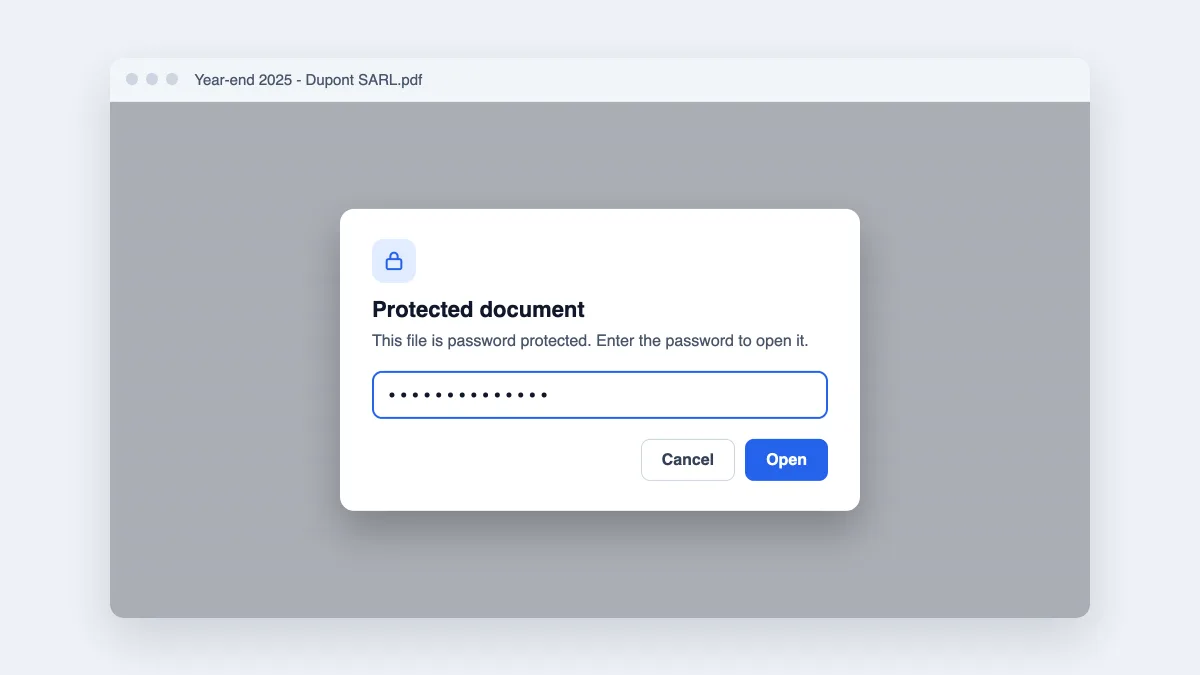
Your accountant, lawyer or HR sent a protected PDF? How to open it on a computer or phone, why the password is refused, and what to do if you lost it.
Practical ways to protect, organize and clean up PDFs — with every step done on your own device.
Your accountant, lawyer or HR sent a protected PDF? How to open it on a computer or phone, why the password is refused, and what to do if you lost it.
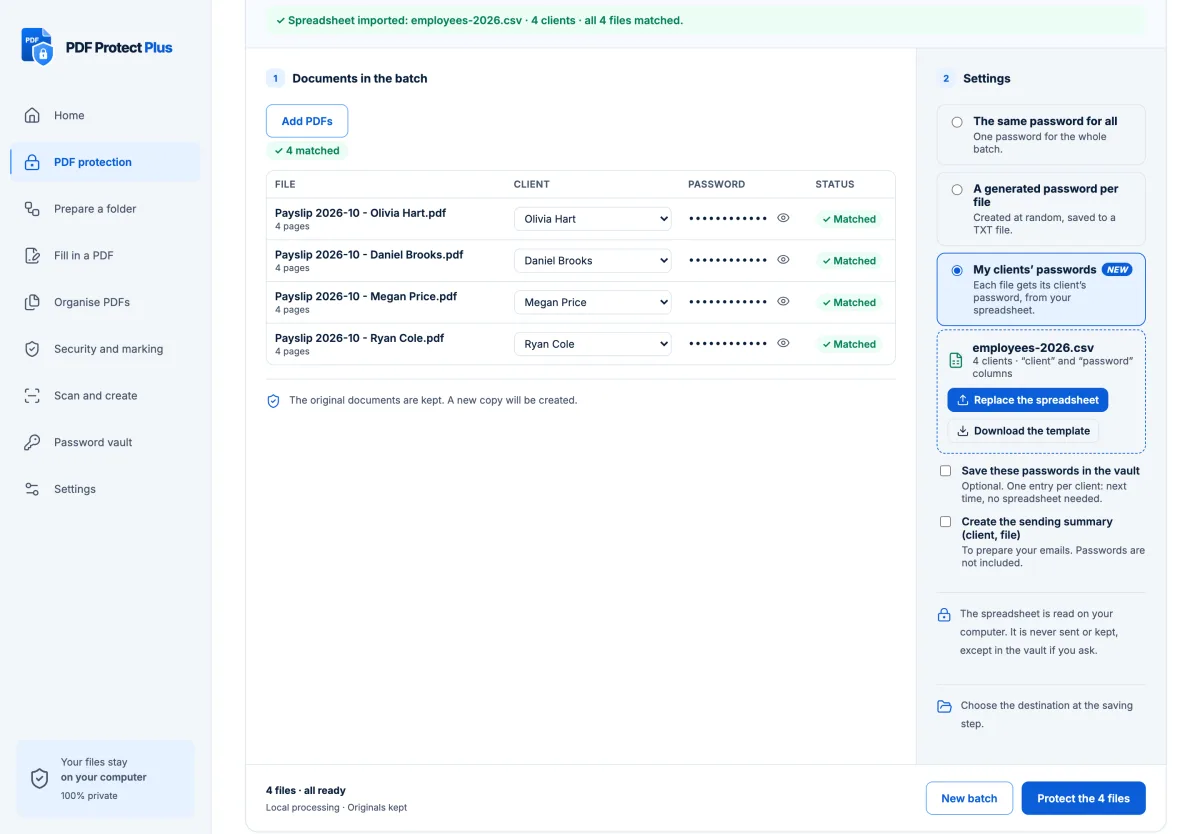
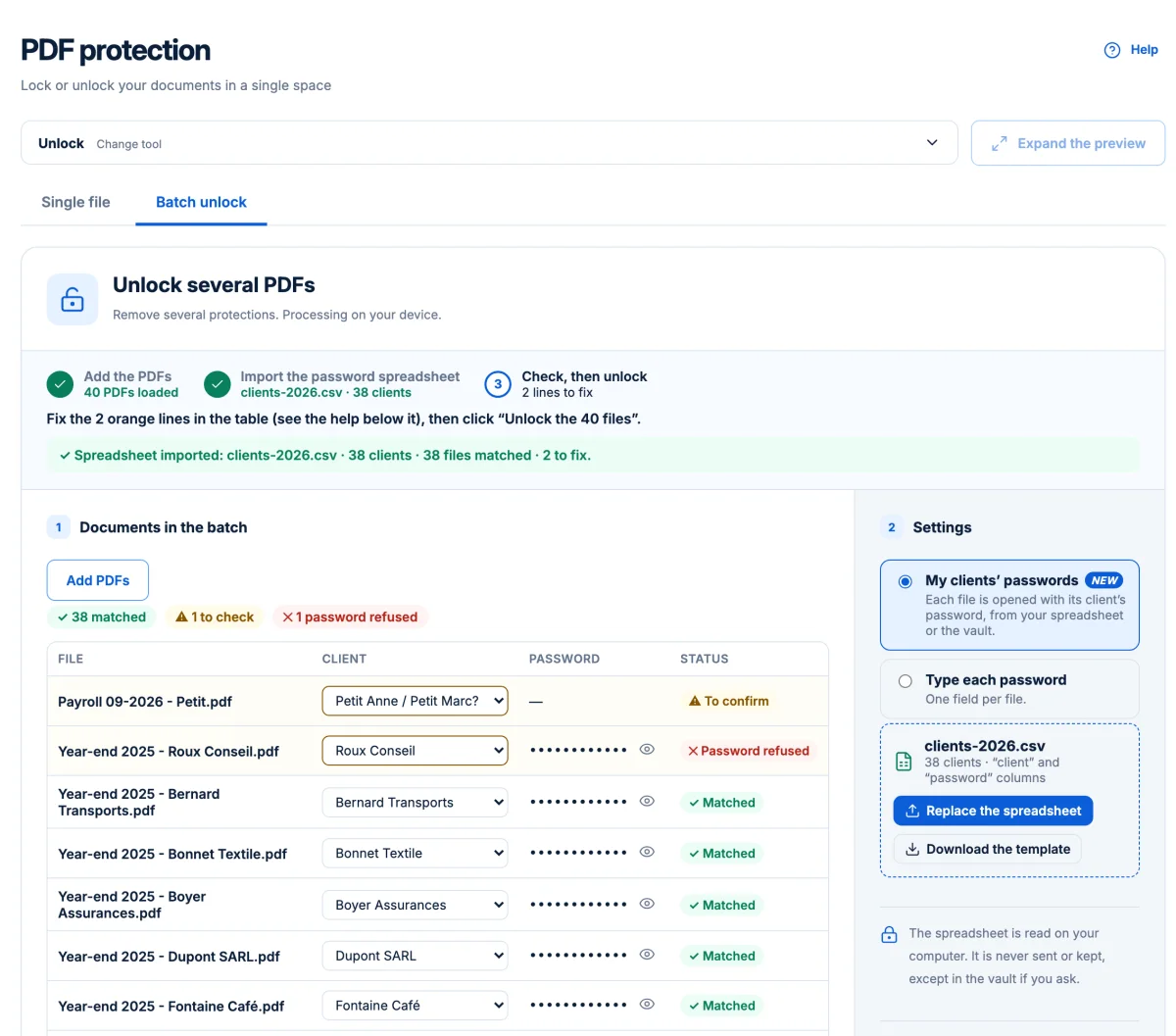
Protect the whole month’s payslips in one run, each with its employee’s own password, on your computer: spreadsheet, file names, vault and sending.
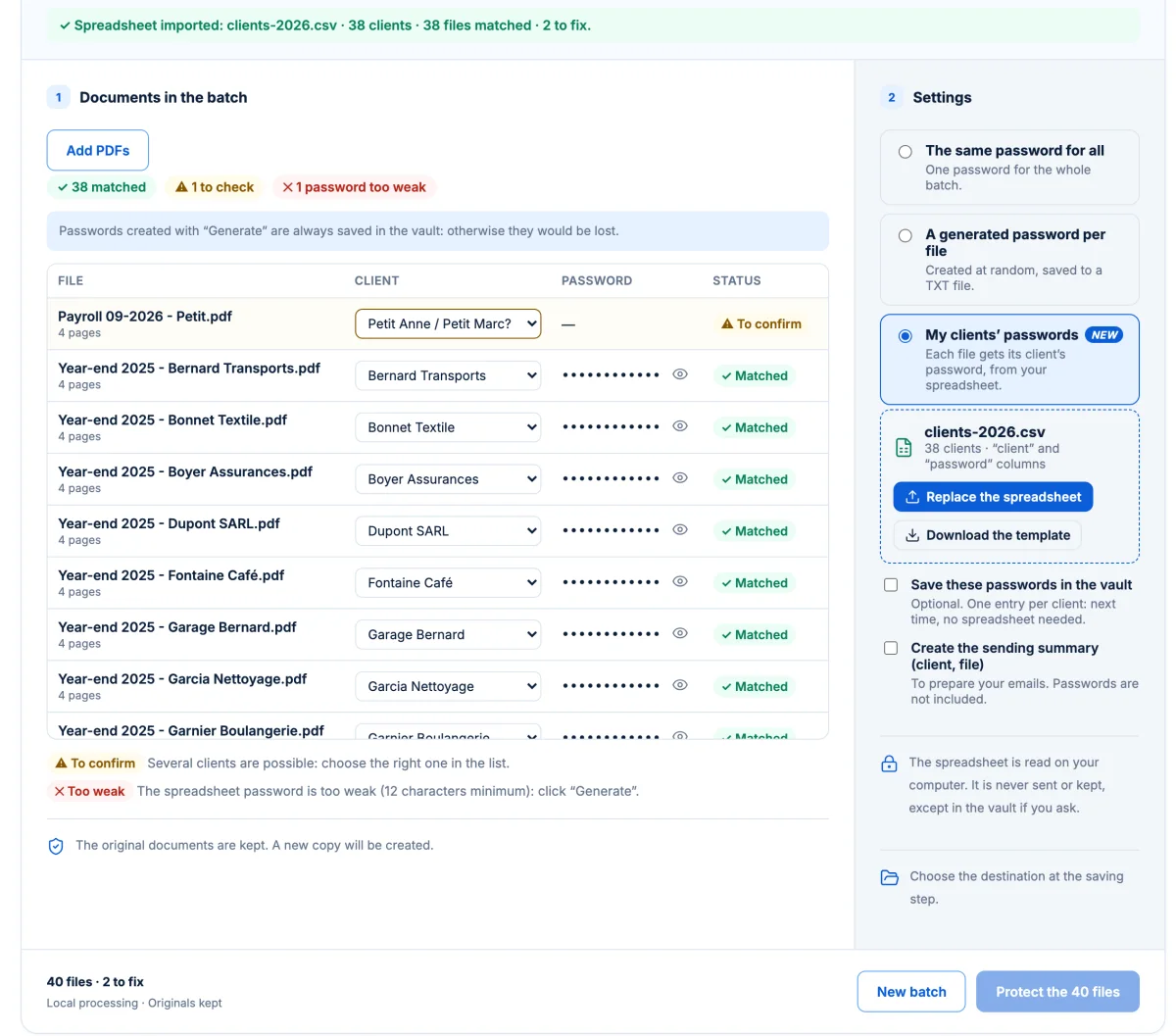
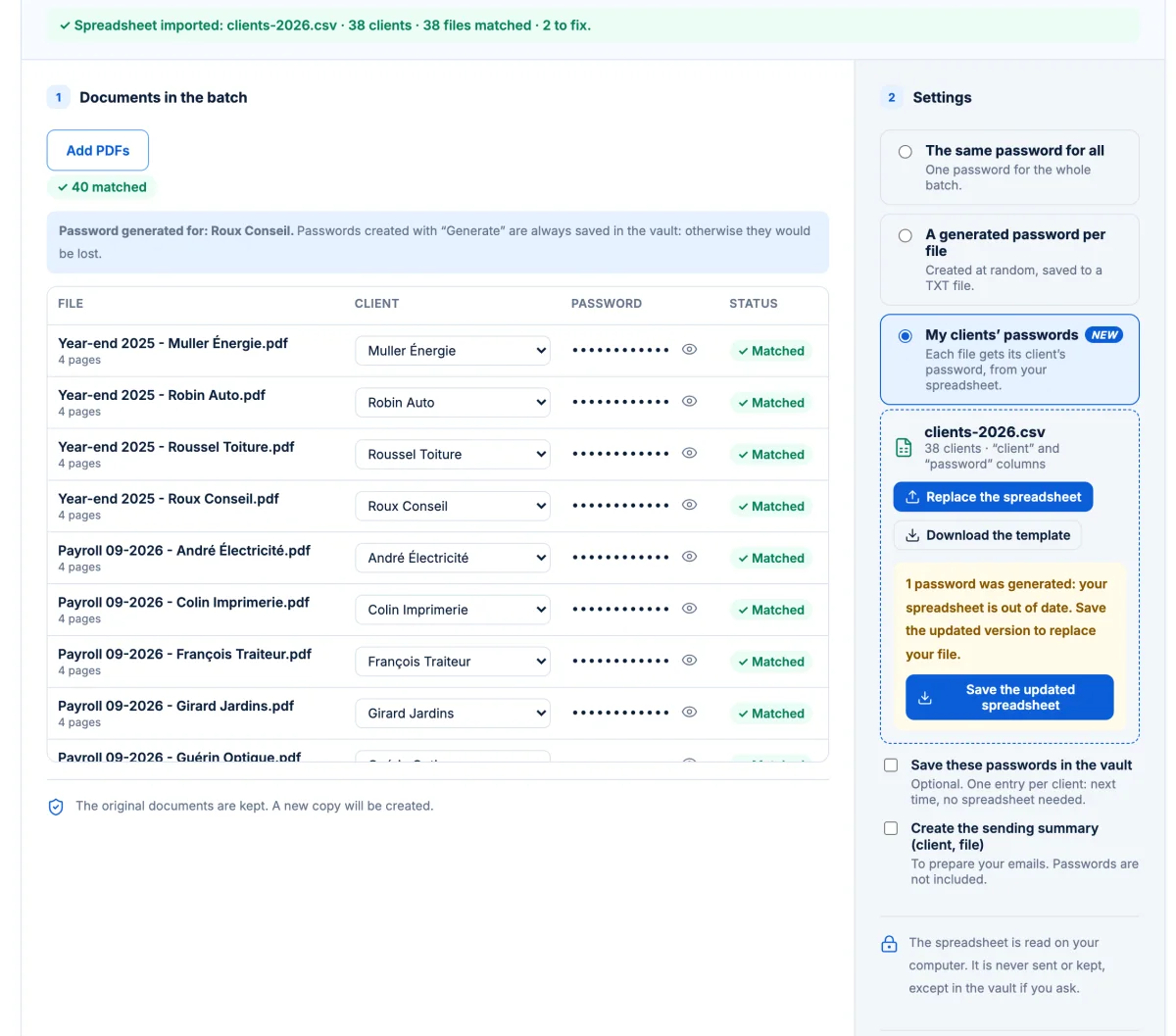
Why one spreadsheet saves you from typing 40 passwords, and how to build it in Excel, Google Sheets or LibreOffice: headers, one row per client, save as CSV.
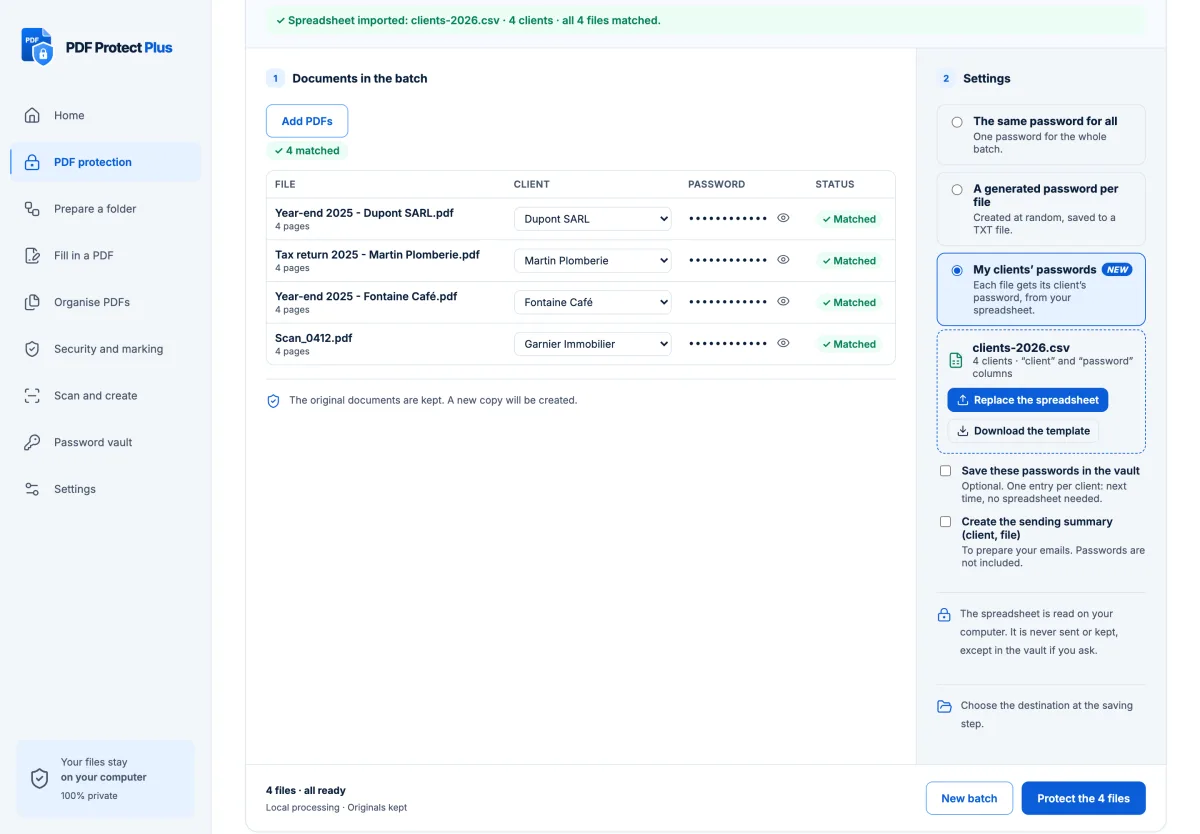
Tax season, 60 client packets, one password per client from a spreadsheet: a step-by-step batch workflow for accountants and bookkeepers, on your own computer.
Closing packets, loan files and policy documents carry IDs and bank details. How agents and brokers can protect them per client, in batches, without uploading.
Engagement letters, discovery sets, monthly reports: protect them per client in one run, and unlock the protected files clients send back, on your device.
A black rectangle drawn in a regular editor often leaves the text selectable. How real redaction works, how to check it, and how PDF Protect Plus does it.
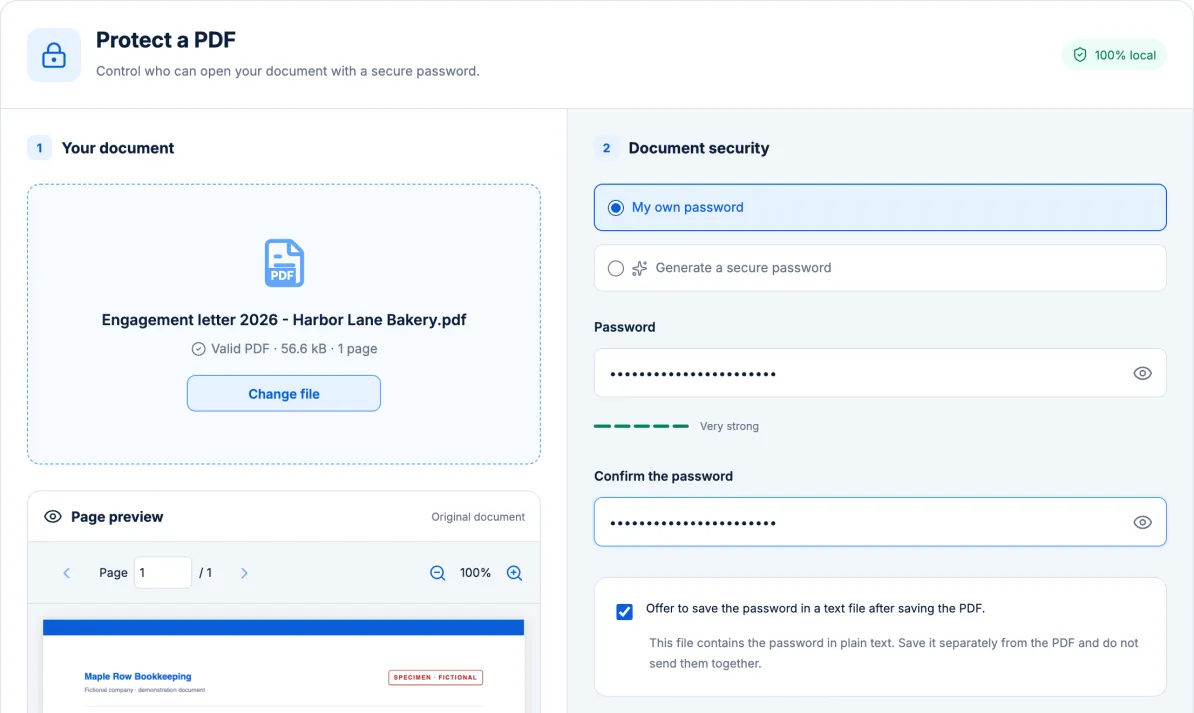
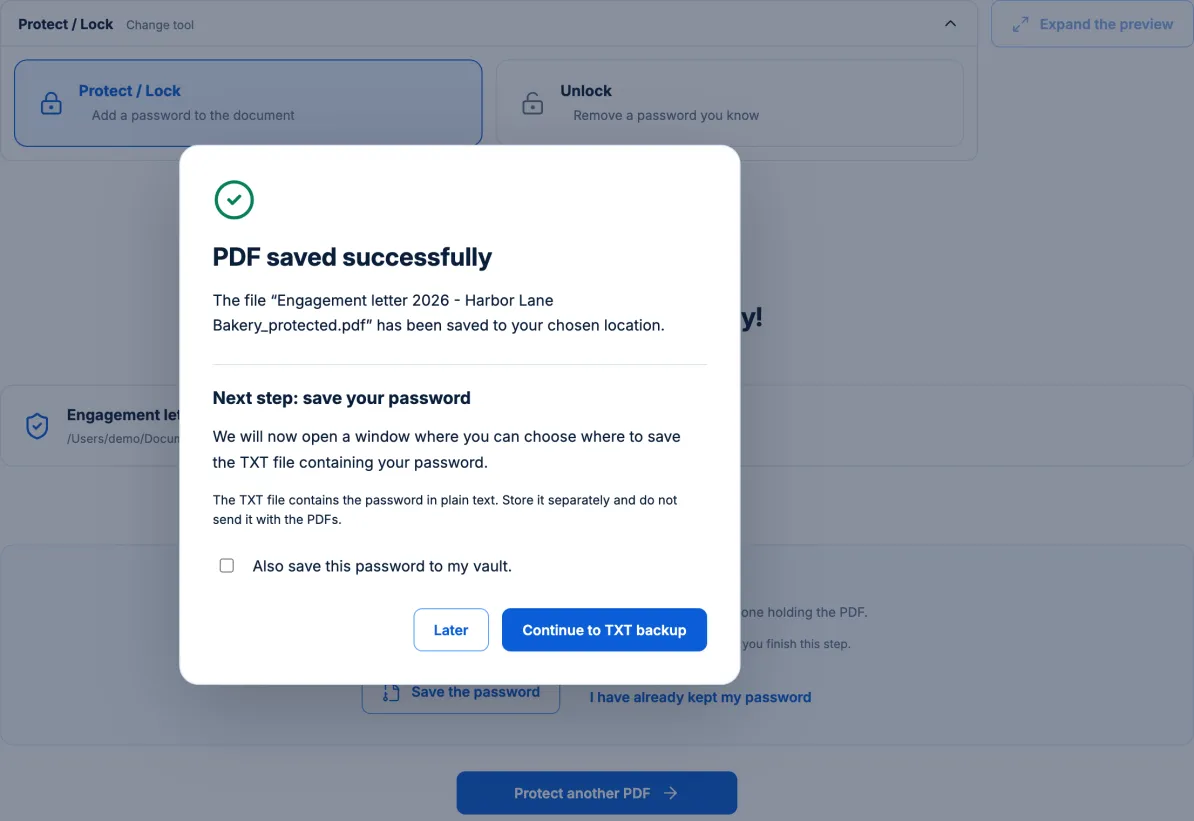
Learn how to password protect a PDF in seconds using AES-256 encryption — entirely on your own device. No uploads, no cloud, no risk to client data.
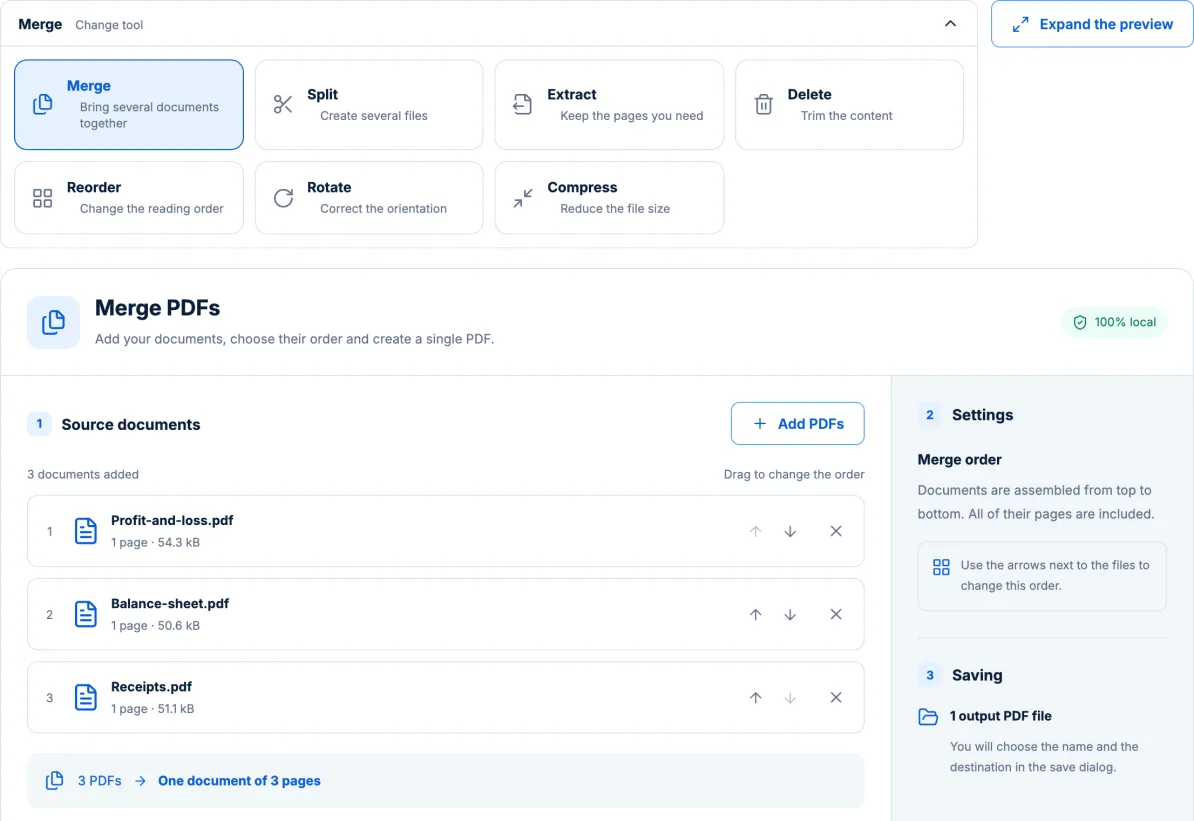
Combine multiple PDFs into one file in seconds — without sending them through a third-party server. A simple, secure workflow for invoices, reports, and client files.
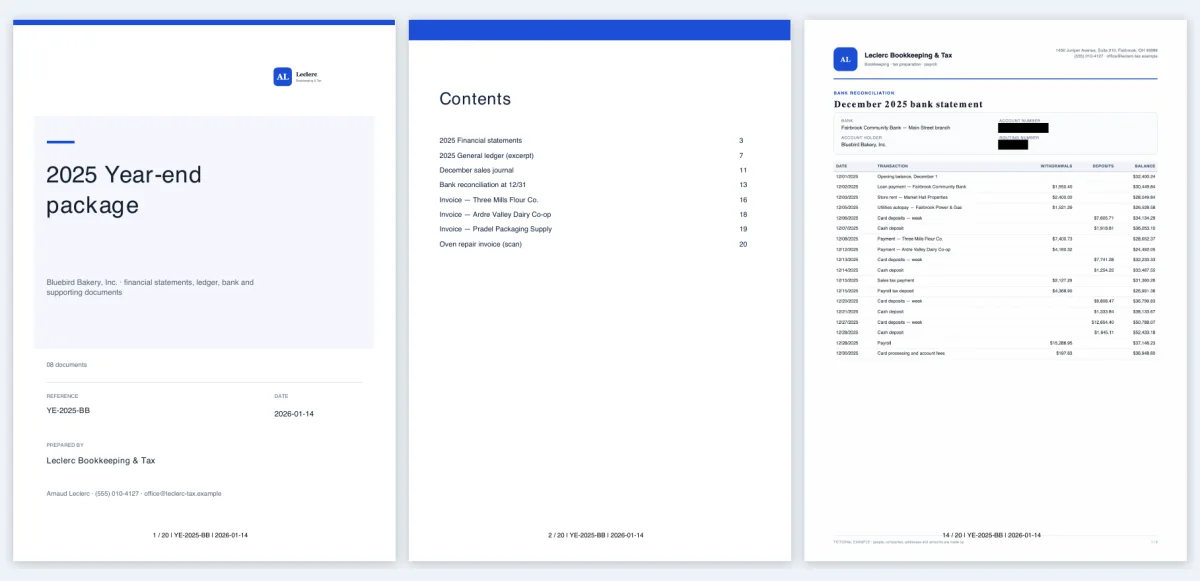
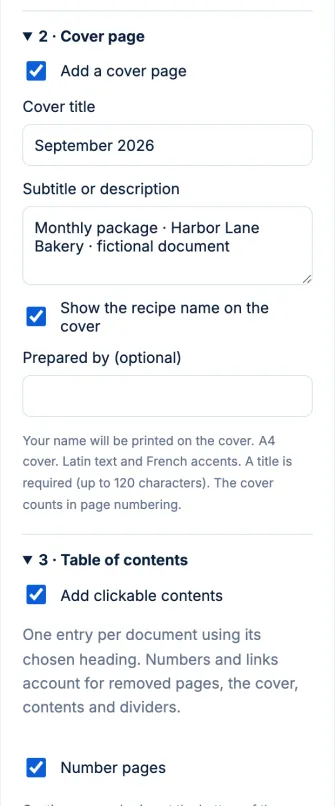
Turn an entire folder of scanned PDFs into one searchable, professional document — with a cover page and clickable table of contents — automatically, on your own device.
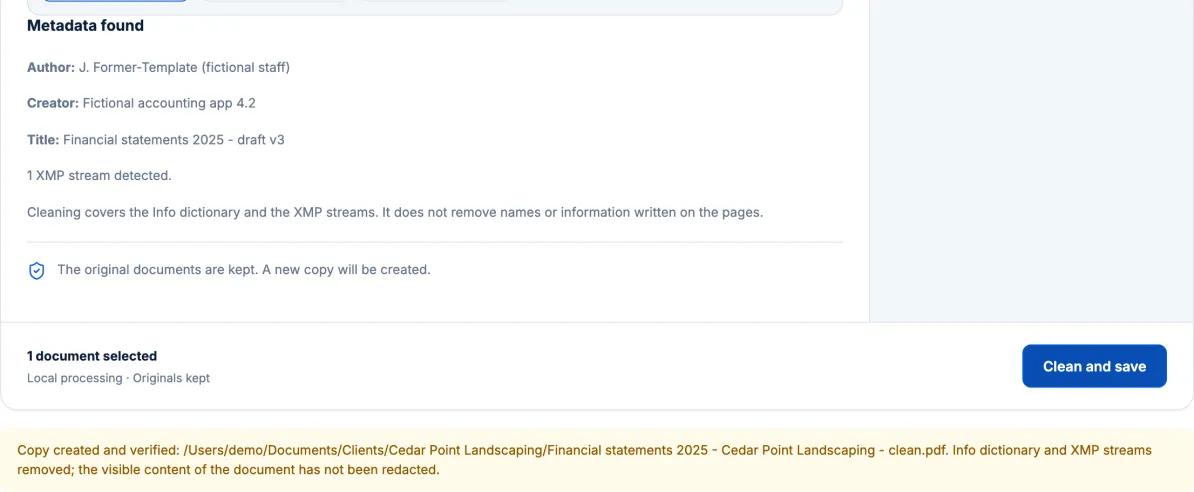
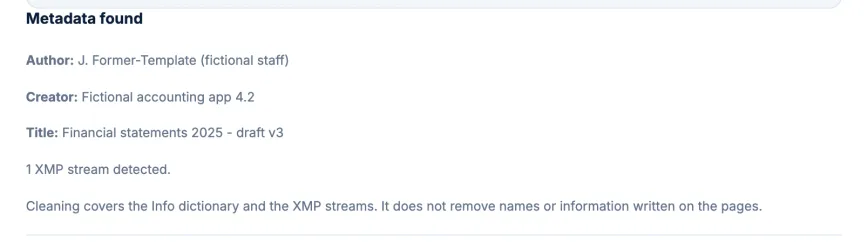
PDFs quietly carry author names, software details, and edit history. Learn what PDF metadata reveals and how to strip it locally before you send a file out.
Open password, permissions password, AES-256: what actually keeps a PDF private, why permissions alone are weak, and how to protect client files properly.
AES-256 is only as strong as its password. Why length beats complexity, how to use passphrases, and why the password never goes in the same email as the PDF.
Uploading a PDF means a copy leaves your device. A balanced look at online tools and local software, what to read before uploading, and when local matters.
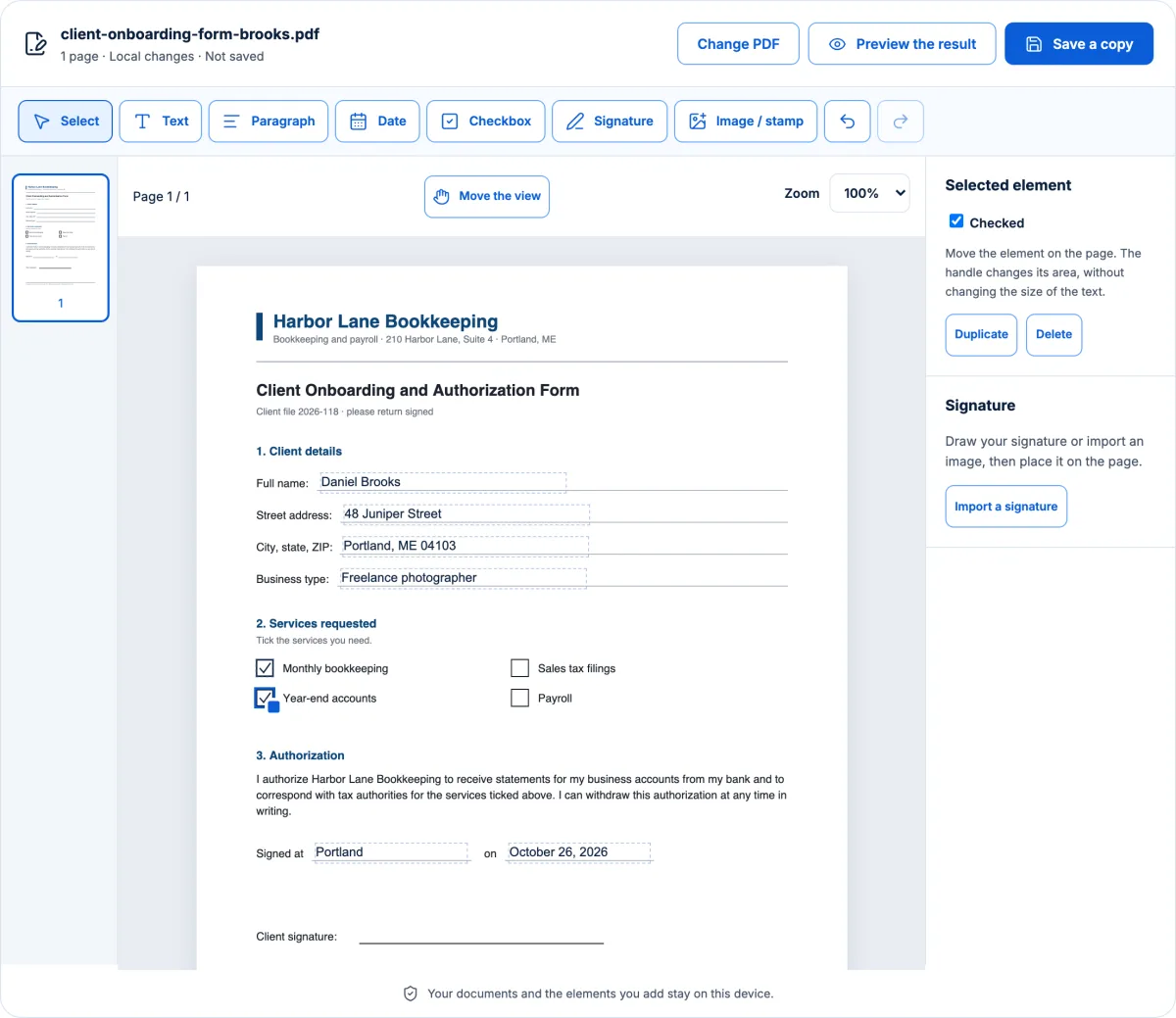
Place text, tick boxes and draw your signature on a PDF, then protect it before sending. With the limits stated plainly: form fields, XFA, visual signatures.
Final version, metadata, real redaction, merged and numbered pages, password sent separately: a seven-step checklist before an audit report leaves the firm.